
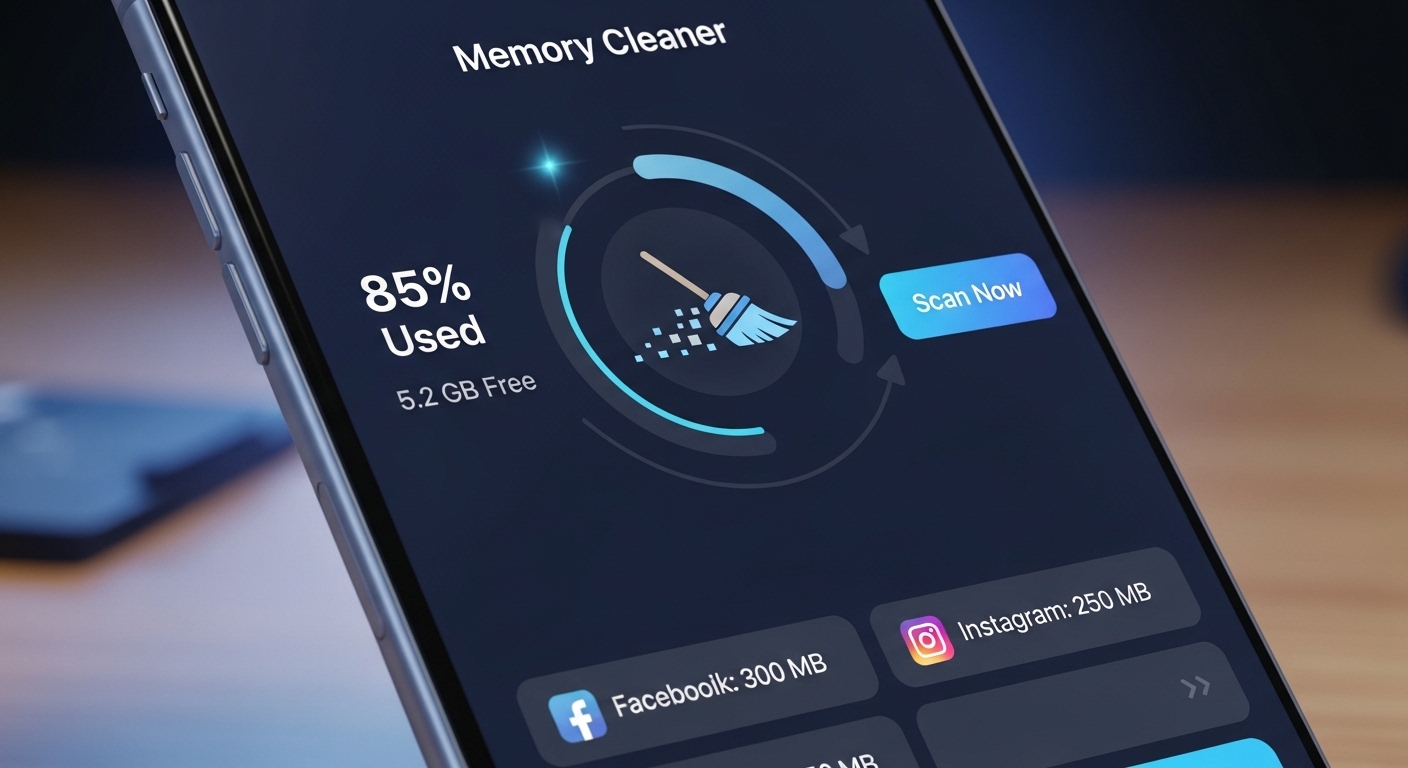
Is your phone running slow? An app to free up memory can restore your device’s speed and performance with just a few taps.
We’ve all experienced that frustrating moment when our smartphone starts lagging, apps take forever to open, and even simple tasks become painfully slow. The culprit? A cluttered memory filled with temporary files, cached data, and background processes hogging valuable resources.
Memory optimization apps have become essential tools for modern smartphone users. They help identify memory drains, clear unnecessary files, and boost overall device performance without requiring technical expertise. Let’s explore how these powerful applications work and why you might need one today.
🔍 Understanding Why Your Phone Runs Out of Memory
Before diving into solutions, it’s important to understand what causes memory issues in the first place. Smartphones use two types of memory: RAM (Random Access Memory) for running applications and storage memory for saving files, photos, and app data.


RAM gets consumed when multiple apps run simultaneously, even when you’re not actively using them. Many applications continue operating in the background, checking for updates, syncing data, or maintaining active connections. This background activity gradually eats away at available memory.
Storage memory fills up differently. Every photo you take, video you record, app you download, and message you receive occupies space. But the hidden culprits are cache files—temporary data that apps create to speed up loading times. While caching serves a purpose, these files accumulate rapidly and often remain even after you’ve finished using the app.
📱 What Memory Cleaner Apps Actually Do
Memory optimization applications work on multiple fronts to restore your device’s performance. They scan your phone systematically, identifying areas where memory is being wasted or inefficiently used.
The first function involves clearing cached data from apps and system processes. This cached information becomes outdated or redundant over time, serving no real purpose except occupying precious storage space. By removing these files, you instantly reclaim gigabytes of memory.
Another critical function is managing background processes. A quality memory cleaner identifies which apps are running unnecessarily and allows you to stop them with a single tap. This frees up RAM, making your device more responsive for the tasks you’re actually performing.
Some advanced cleaners also identify duplicate files, large videos you may have forgotten about, and residual data from apps you’ve already uninstalled. These forgotten files can accumulate surprisingly fast, especially if you frequently install and remove applications.
🚀 Top Features to Look For in a Memory Cleaning App
Not all memory cleaner apps are created equal. When choosing one, certain features distinguish excellent tools from mediocre ones that might even harm your device’s performance.
Intelligent Scanning Technology
The best apps use smart algorithms to differentiate between essential files and disposable junk. They won’t delete important data or interfere with system stability. Look for cleaners that provide detailed scan results, showing exactly what will be removed before you confirm.
RAM Boosting Capabilities
Effective memory apps include one-tap boosters that immediately free up RAM by closing unnecessary background processes. This feature delivers instant performance improvements when your phone starts lagging during critical moments.
Storage Analysis Tools
Visual breakdowns of storage usage help you understand where your memory is going. Color-coded charts showing how much space is occupied by apps, photos, videos, and system files make it easy to identify areas needing attention.
App Management Functions
Quality cleaners let you uninstall multiple apps at once and identify which applications consume the most resources. This insight helps you make informed decisions about which apps are worth keeping on your device.

💡 How to Use Memory Cleaning Apps Effectively
Simply installing a memory cleaner isn’t enough—you need to use it strategically for optimal results. Developing good maintenance habits ensures your device stays fast and responsive long-term.
Start by running a comprehensive scan when you first install the app. This initial cleanup often recovers the most space since accumulated junk may have been building up for months or even years. Don’t be surprised if you free up several gigabytes on this first run.
Establish a regular cleaning schedule based on your usage patterns. Heavy users who download lots of apps, take many photos, and browse extensively should clean their phones weekly. Moderate users can maintain good performance with bi-weekly or monthly cleanings.
Pay attention to which specific features provide the most benefit for your device. If you notice RAM is your primary bottleneck, focus on the boost function. If storage space is the issue, concentrate on cache clearing and file management tools.
🛡️ Safety Considerations When Using Cleaner Apps
While memory cleaning apps offer tremendous benefits, it’s essential to choose reputable options and use them wisely. Not every app in the store has your best interests in mind.
Stick with well-known developers that have established track records and millions of downloads. Read recent reviews to ensure the app hasn’t changed dramatically or introduced problematic features in recent updates.
Be cautious about granting excessive permissions. A legitimate memory cleaner needs access to storage and possibly usage statistics, but it shouldn’t require access to your contacts, messages, or camera unless those features are directly related to its cleaning functions.
Avoid apps that make unrealistic promises like “speed up your phone by 500%” or claim to extend battery life dramatically through memory cleaning alone. While freeing memory does improve performance, exaggerated claims are red flags for potentially harmful software.
📊 Comparing Manual Cleaning vs. App-Based Solutions
You might wonder whether you really need a dedicated app or if manual cleaning through your phone’s settings suffices. Both approaches have merits, but they serve different purposes and user types.
| Aspect | Manual Cleaning | Cleaner Apps |
|---|---|---|
| Convenience | Requires navigating multiple menus | One-tap solutions |
| Thoroughness | May miss hidden files | Scans comprehensively |
| Time Required | 15-30 minutes per session | 2-5 minutes per session |
| Technical Knowledge | Requires understanding of system files | User-friendly for all levels |
| Cost | Free | Free with optional premium features |
Manual cleaning works well if you’re technically savvy and enjoy having complete control over what gets deleted. However, for most users, the convenience and efficiency of a dedicated app make it the superior choice for regular maintenance.
⚡ Real-World Performance Improvements You Can Expect
What kind of results can you realistically expect after using a memory cleaning app? The improvements vary based on your device’s initial condition, but most users notice significant changes.
App launch times typically decrease by 20-40% after a thorough cleaning, particularly for memory-intensive applications like games, photo editors, and social media platforms. Your phone will feel snappier and more responsive to touch inputs.
Multitasking becomes smoother when RAM is freed up. Switching between apps happens faster, and you’ll experience fewer instances of apps reloading when you return to them after using other programs.
Available storage space often increases dramatically—sometimes by several gigabytes. This is especially true if you haven’t cleaned your cache in months. The extra space allows you to download new apps, capture more photos, and update existing applications without constant “storage full” warnings.
🔧 Advanced Tips for Power Users
Once you’ve mastered basic memory cleaning, these advanced strategies can help you squeeze even more performance from your device.
Customize Auto-Cleaning Settings
Many premium cleaner apps offer scheduled automatic cleaning. Configure these settings to run when you typically don’t use your phone—like late at night—so the optimization happens seamlessly without interrupting your activities.
Create App Whitelists
Some applications benefit from cached data and shouldn’t be aggressively cleaned. Music streaming apps, for instance, cache songs you listen to frequently for offline access. Whitelist these apps to preserve their useful cache while cleaning everything else.
Monitor Real-Time Memory Usage
Enable widgets or notifications that show current RAM and storage levels. This awareness helps you understand which activities consume the most memory, allowing you to adjust your usage habits accordingly.
Combine with Cloud Storage
Memory cleaners work even better when paired with cloud storage solutions. Automatically back up photos and videos to the cloud, then remove them from local storage. You’ll maintain access to your files while freeing up massive amounts of space.
🌟 Common Misconceptions About Memory Cleaning Apps
Several myths persist about memory optimization apps that deserve clarification. Understanding the truth helps you set realistic expectations and use these tools more effectively.
Myth: You need to clean your phone every day. Reality: Unless you’re an extremely heavy user, daily cleaning is overkill. Weekly or bi-weekly maintenance typically suffices for most people and prevents unnecessary wear on your device’s storage.
Myth: Closing all background apps always improves performance. Reality: Modern operating systems are designed to manage background processes efficiently. Aggressively closing everything can actually increase battery consumption because apps use more power when constantly restarting from scratch.
Myth: Memory cleaners permanently solve performance issues. Reality: These apps provide temporary boosts by clearing accumulated junk, but the underlying issue might be an aging device, insufficient hardware specifications, or problematic apps that need updating or removal.
Myth: Free versions are useless compared to premium. Reality: Many free memory cleaners offer excellent core functionality. Premium versions typically add convenience features like automation and detailed analytics, but the basic cleaning capabilities remain strong in free tiers.
🎯 Choosing the Right Memory Cleaner for Your Needs
With hundreds of options available, selecting the perfect memory cleaning app requires considering your specific requirements and preferences.
Beginners should prioritize simplicity and safety. Look for apps with intuitive interfaces, clear explanations of what’s being cleaned, and strong reputations from established developers. You want something that works effectively without requiring you to understand technical details.
Power users might prefer apps offering granular control, detailed statistics, and advanced features like app hibernation, aggressive memory management, and customizable cleaning profiles. These tools provide maximum flexibility at the cost of a steeper learning curve.
Privacy-conscious users should investigate the app’s data collection policies. Some cleaners collect usage statistics and device information for improvement purposes, while others operate with minimal data collection. Choose based on your comfort level with data sharing.
🌐 The Future of Mobile Memory Management
As smartphones evolve, so do memory management technologies. Understanding emerging trends helps you stay ahead and make informed decisions about device maintenance.
Artificial intelligence is becoming increasingly integrated into cleaner apps. AI algorithms learn your usage patterns, predicting which files you’ll need and which can be safely removed. This personalized approach maximizes cleaning efficiency while minimizing the risk of deleting important data.
Operating systems themselves are incorporating more sophisticated memory management. Both Android and iOS have enhanced their native cleaning tools, reducing—but not eliminating—the need for third-party solutions. The best cleaner apps now work in harmony with these system features rather than duplicating efforts.
Cloud integration continues expanding, with cleaner apps automatically offloading photos, videos, and documents to cloud storage before removing local copies. This seamless backup-and-delete workflow ensures you never lose important files while maximizing available space.
✨ Maximizing Your Device’s Lifespan Through Proper Maintenance
Regular memory cleaning does more than just improve immediate performance—it extends your smartphone’s useful life, potentially saving you hundreds of dollars in premature replacement costs.
When your phone operates with adequate free memory, components experience less stress. The processor doesn’t need to work as hard managing limited resources, reducing heat generation and component wear. Storage drives last longer when they’re not constantly operating at maximum capacity.
Software updates install more reliably when sufficient storage space is available. Many critical security patches and feature updates fail on devices with cluttered memory, leaving them vulnerable and outdated. Regular cleaning ensures you can maintain current software versions.
Battery life improves indirectly through memory management. When your device isn’t struggling with insufficient RAM or hunting through cluttered storage, it consumes less power. This efficiency translates to longer daily usage and slower battery degradation over time.
🏆 Making Memory Cleaning Part of Your Digital Wellness Routine
Just as you maintain your physical space through regular cleaning, digital hygiene deserves similar attention. Incorporating memory maintenance into your routine creates a healthier, more enjoyable technology experience.
Set reminders for monthly deep cleans where you not only run your cleaner app but also review installed applications, delete old conversations, and organize your photo library. This comprehensive approach addresses memory issues holistically.
Before major events—vacations, weddings, important projects—perform a thorough cleaning to ensure your device has maximum capacity and performance when you need it most. There’s nothing worse than running out of storage space while trying to capture precious memories.
Teach family members, especially older adults and young children, how to use cleaner apps appropriately. Digital literacy includes understanding device maintenance, and these skills serve them well throughout their technology use.
Your smartphone works hard for you every single day, managing communications, capturing memories, providing entertainment, and connecting you to the world. A memory cleaning app is a simple yet powerful tool that ensures your device continues performing at its best, delivering the reliable, responsive experience you deserve. By understanding how these apps work and using them strategically, you transform a sluggish, frustrating phone into the efficient digital companion it was meant to be.
